HomeNewsHard drive destruction: The do’s and don’ts for businesses
January 28, 2026
Hard drive destruction: The do’s and don’ts for businesses
IT Solutions
blog
When disposing of IT equipment, many small companies forget one imperative step: hard drive destruction. Simply deleting files or formatting a drive is not enough. Without following established policy and law, your business will be penalised when sensitive business data falls into the wrong hands.
Below, we outline the most important dos and don’ts of secure hard drive destruction.
Before starting any hard drive data destruction process, make sure to back up your files. Losing valuable company data can have serious consequences.
Create encrypted backups and store them securely and following GDPR compliance. Either on physical media or in the cloud.
Do: Use a certified hard drive destruction service
Data destruction should always be handled by professionals. Partner with a professional company that specialises in certified hard drive destruction, with recognised certifications such as WEEELABEX.
This ensures compliance with legal and environmental standards. It also guarantees that your data is destroyed securely and responsibly.
Do: Choose a provider with the right certifications
Your data destruction partner should be fully certified. Look for companies with recognised credentials like Blancco and other certifications and licences that prove compliance with international security and data privacy standards.
Don’t: Throw away old hardware
Never throw away old hard drives. It poses a serious security risk and is harmful to the environment. Even non-functioning drives can be recovered by malicious parties. Old hardware still holds value.
Consider compliant data wiping and donating devices to a charity, such as IT Donations, or using ITAD buy-back schemes to maximise return.
Learn more about disposing of old hardware in this article.
Don’t: Attempt to destroy drives yourself
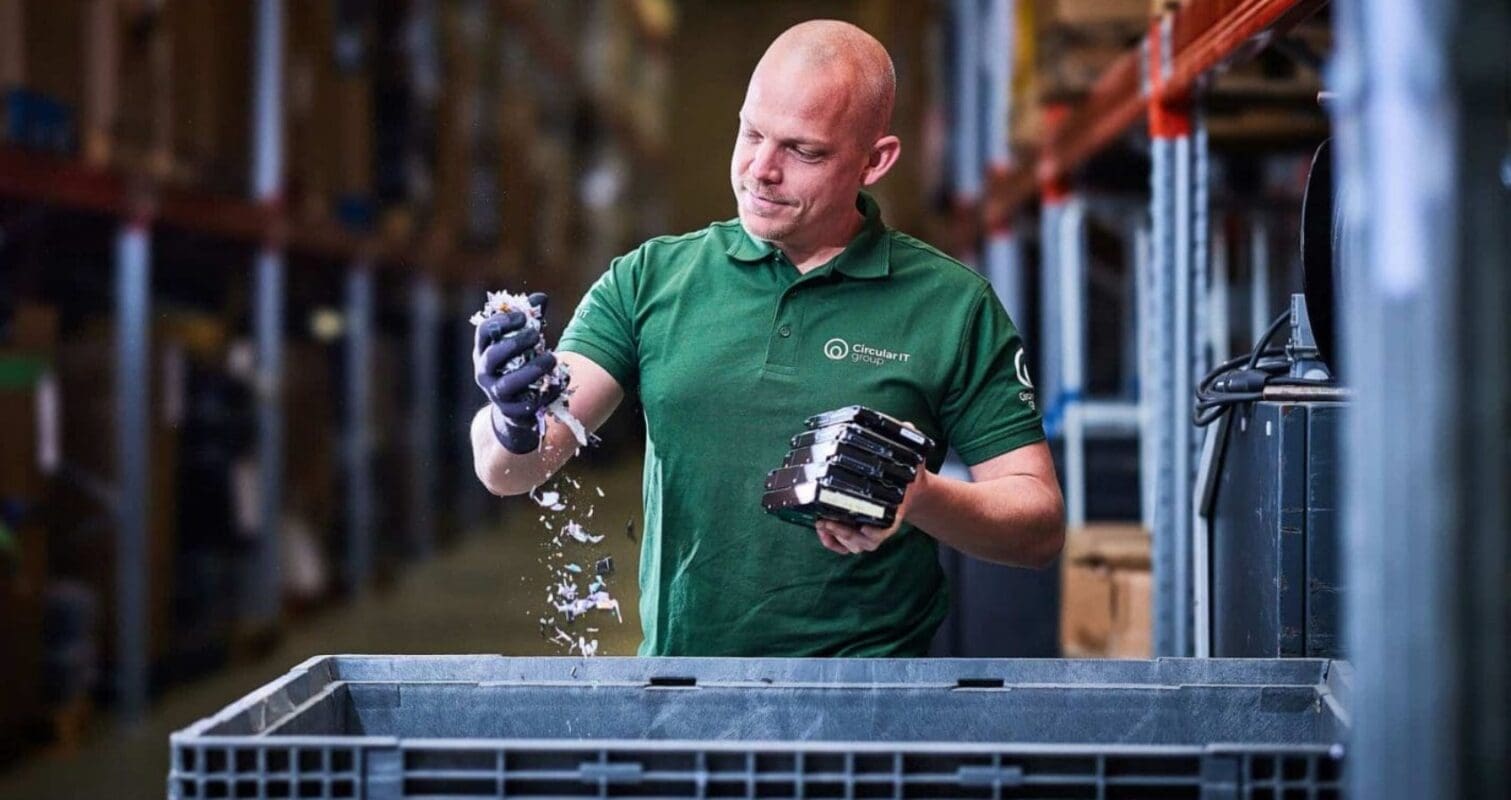
Trying to destroy hard drives manually may seem like a cost-saving option. But it isn’t compliant; it will not pass an audit. Drilling, smashing or soaking drives will not guarantee data removal. In fact, it could leave sensitive files accessible.
Professional hard drive shredding should be embedded in organisational policy. For example, in the financial, healthcare, and government sectors, they often require shredding as there is zero tolerance for data leakage.
Don’t: Give away or sell without data erasure
Avoid giving away or selling hardware. Even if the device looks clean, data can often be recovered. Selling old drives without proper erasure puts your business at risk of data breaches and regulatory violations. Most professional ITAD providers offer buy-back services. This is always the best option for resale.
If you need certified on-site options, consider on-site destruction services, which allow you to witness the destruction at your own location.
SSD: Understand the different destruction methods
If your business uses SSDs, it’s important to know that these drives require a different approach to traditional hard drives. Standard wiping or physical damage is often not enough to securely erase data from solid-state storage.
For complete data protection, it’s best to use professional solid-state disk destruction services. Certified providers use specialised equipment to ensure all data is permanently destroyed, meeting the highest security standards.
Protect your business with secure hard drive destruction
Disposing of old drives is more than a technical task; it’s a data security priority.
Do:
Back up your data
Use certified providers like those with WEEELABEX or Blancco certifications
Choose proper destruction methods for each drive type
When policy allows, look into buy-back or donation options
Don’t:
Throw away, sell, or give away hardware
Try to destroy them yourself
Choosing secure hard drive destruction helps prevent data breaches, protects your reputation, and keeps your business compliant.
To completely remove all data from a hard drive, you need more than just deleting files or formatting the disk. The most effective method is using certified hard drive destruction or professional data wiping software that meets international security standards.
Certified providers often use tools like Blancco to ensure data is unrecoverable. For maximum security, physical destruction such as hard drive shredding is recommended. When policy allows, always consider wiping for re-use to maximise return on investment.
It depends on how the drive is destroyed. Manually damaging a hard drive (e.g. drilling or smashing) is not enough to guarantee full data removal. Fragments of the drive can contain recoverable data.
That’s why it’s essential to use secure hard drive destruction by a certified company, such as on-site shredding or professional IT asset disposal services, which can completely obliterate the drives into micro-fractions.
No, simply deleting files does not remove them completely. When you delete a file, the data remains on the drive. This means deleted files can be recovered using basic software tools.
For sensitive business data, this poses a significant risk. Certified hard drive data destruction ensures files are permanently erased or physically destroyed.
Deleted files can remain on a hard drive indefinitely, until they are overwritten by new data. Even then, they may still be partially recoverable. This makes regular deletion or formatting unreliable for secure data disposal. Businesses should always opt for certified hard drive destruction to eliminate the risk of data recovery as is written into law.
Laptop disposal, destruction or donation: what’s the safest choice?
Getting rid of an old laptop looks like a simple decision, but the safest route depends on the condition of the device and the data stored on it. Below you'll find the right approach for each situation, and when certified laptop destruction is genuinely the answer.
Third Party Maintenance: How to Keep IT Infrastructure Running for Longer
As the infrastructure gets older, the costs associated with renewing OEM support go up and refresh cycles can replace equipment that is still reliable, suitable, and trusted for its intended purpose.