
How long does a business laptop last?
How long can your business laptop stay in service? Assess performance, support and repair costs, then choose a secure route for reuse or recycling.
November 10, 2026
In brief
A business laptop’s useful life depends on performance, security updates and repair options. Here is how to assess whether yours can stay in service, when replacement makes sense and what to do with equipment you no longer need.
On this page
| 1. When to replace | 2. Support and updates |
| 3. Repair or replace | 4. Extend its lifespan |
| 5. Depreciation and resale value | 6. Find its next use |
A replacement cycle is a planning tool, not a technical expiry date. Assess the device’s condition and the work it needs to do. For example, Defra’s digital sustainability strategy favours performance-based device replacement over a standard refresh cycle.
Assess a Dell Latitude, Lenovo ThinkPad or another business notebook against these practical points:

Check the exact operating system version, edition and support deadline. NHS England records the end of standard Windows 10 support on 14 October 2025. If devices are enrolled in an extended security update programme, ask your IT team to verify its coverage, conditions and end date.
For a Chromebook, check the automatic update expiry date for the model. For a MacBook, check which macOS version it supports and whether that version still receives security updates. The NCSC warns that unsupported products carry security risks. A machine that starts up does not automatically meet your security policy.
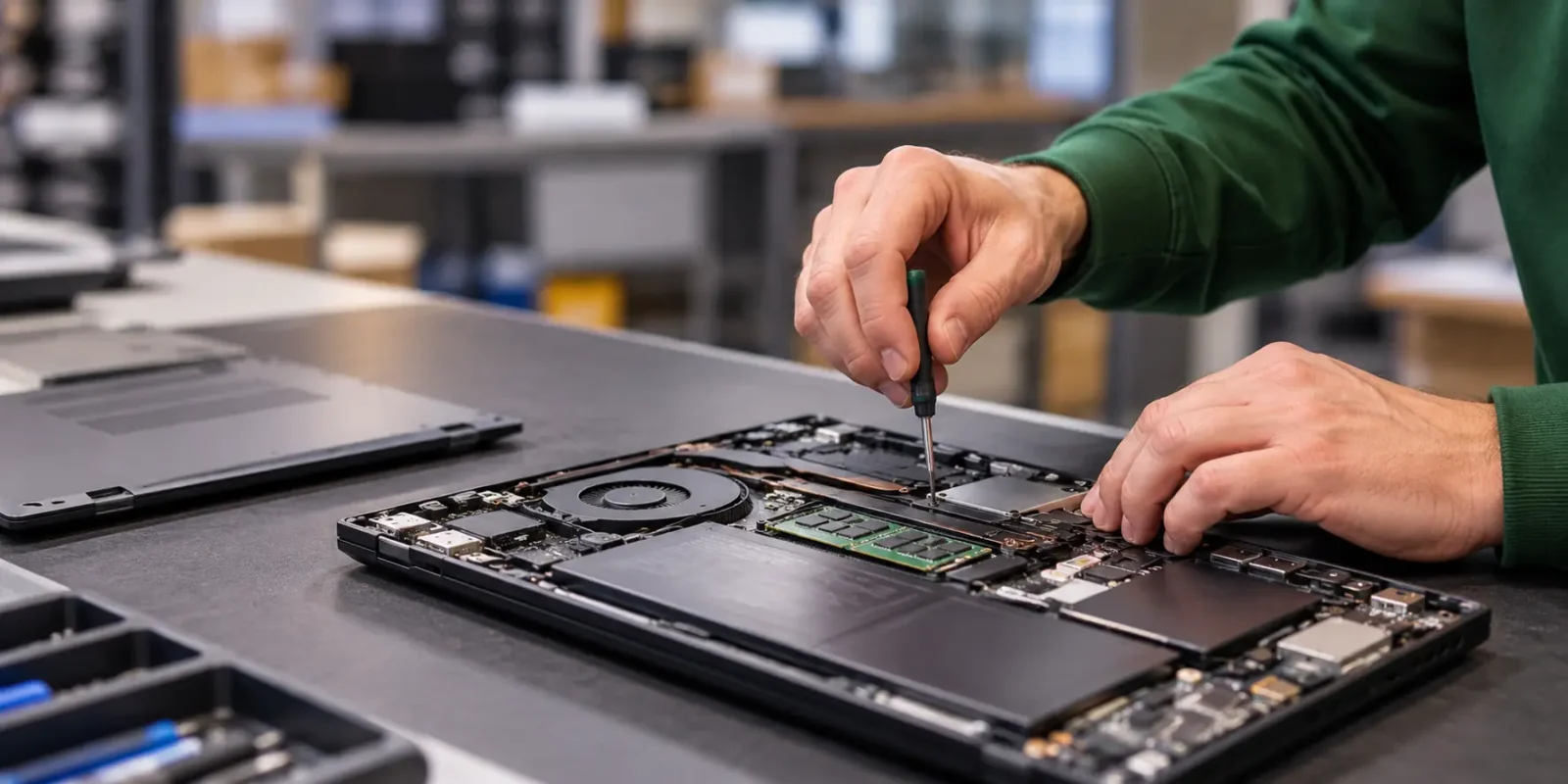
A worn battery or faulty keyboard does not necessarily mean replacing the whole device. Get a repair quote and compare both options over the same period. Include setup, migration, management and expected downtime alongside purchase or repair costs. An internally available notebook or refurbished alternative may also be suitable.
Illustrative calculation: a £180 repair, including labour, works out at £10 per month if it provides another 18 months of service. This covers repair costs only; the extra lifespan is an assumption. Check that the repair addresses the fault and that support remains available throughout that period.
If hardware no longer meets the demands of design software, investigate whether it could still support another role within your organisation.

Yes. Depreciation allocates costs in the accounts; book value does not tell you whether hardware is worn out. UK tax relief is a separate matter: HMRC explains that capital allowances can take the place of accounting depreciation for tax purposes. Resale value depends on the model, specifications and condition. Have the equipment valued before disposal.
Choose the next destination based on condition and arrange secure data erasure beforehand. Deleting files or signing out of accounts alone is not enough.
Want to manage the whole lifecycle? IT Lifecycle Management connects procurement, maintenance, redeployment and replacement.
Which devices could stay in service for longer? Circular IT group helps your organisation assess options for reuse and replacement.
How long does a business laptop last?
How long can your business laptop stay in service? Assess performance, support and repair costs, then choose a secure route for reuse or recycling.

How to create a sustainable IT strategy: 6 practical steps
Create a sustainable IT strategy in six practical steps, from procurement and maintenance to reuse. Includes a comparison table, measures and a 90-day plan.
Wiping a laptop or hard drive? Why these common methods don’t work
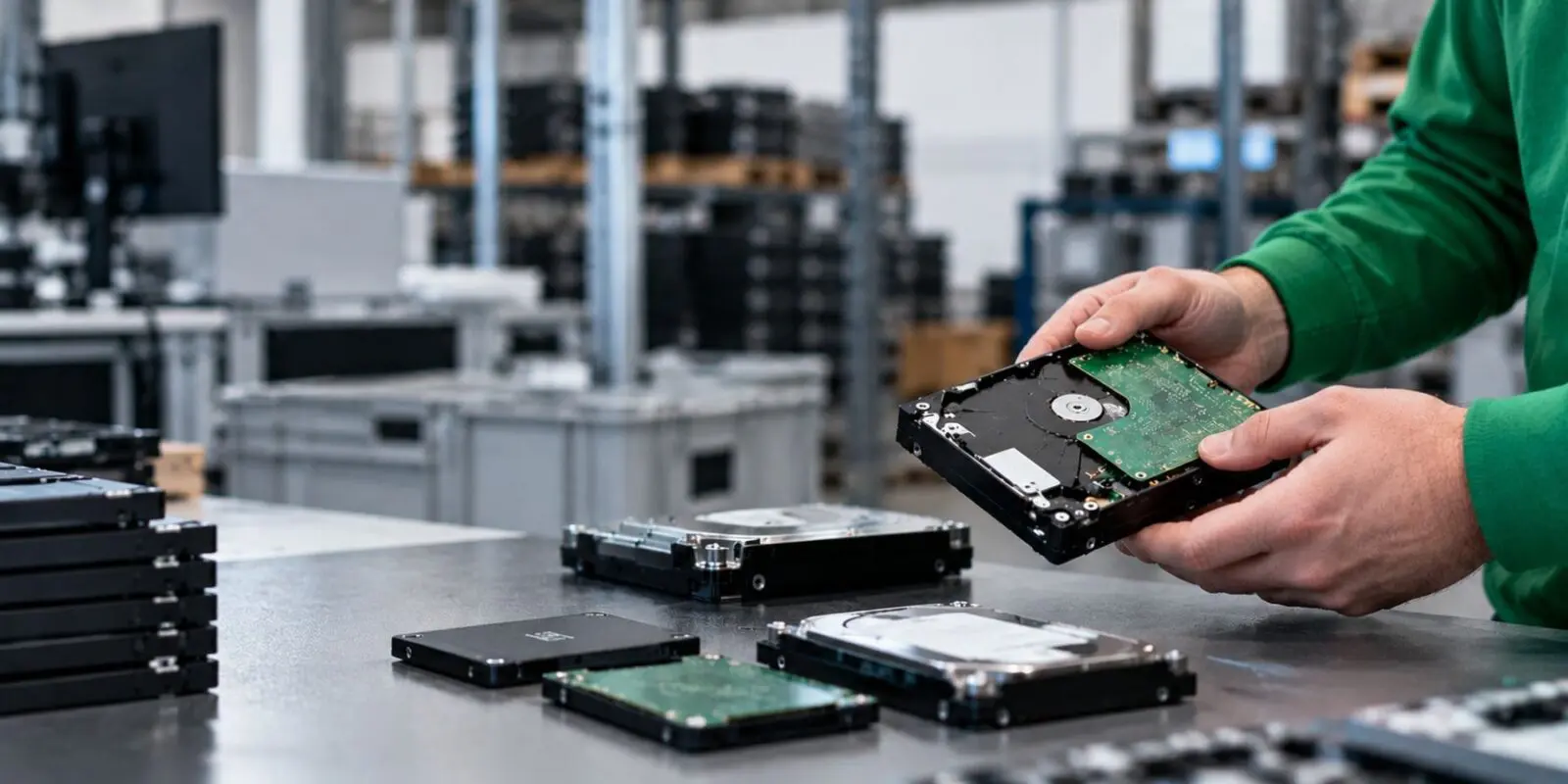
Laptop cleared, drive formatted, factory settings restored. Ready to go? Often not.

Dimitri Wams
CEO
We’re happy to help!
Get in touch